Speak naturally
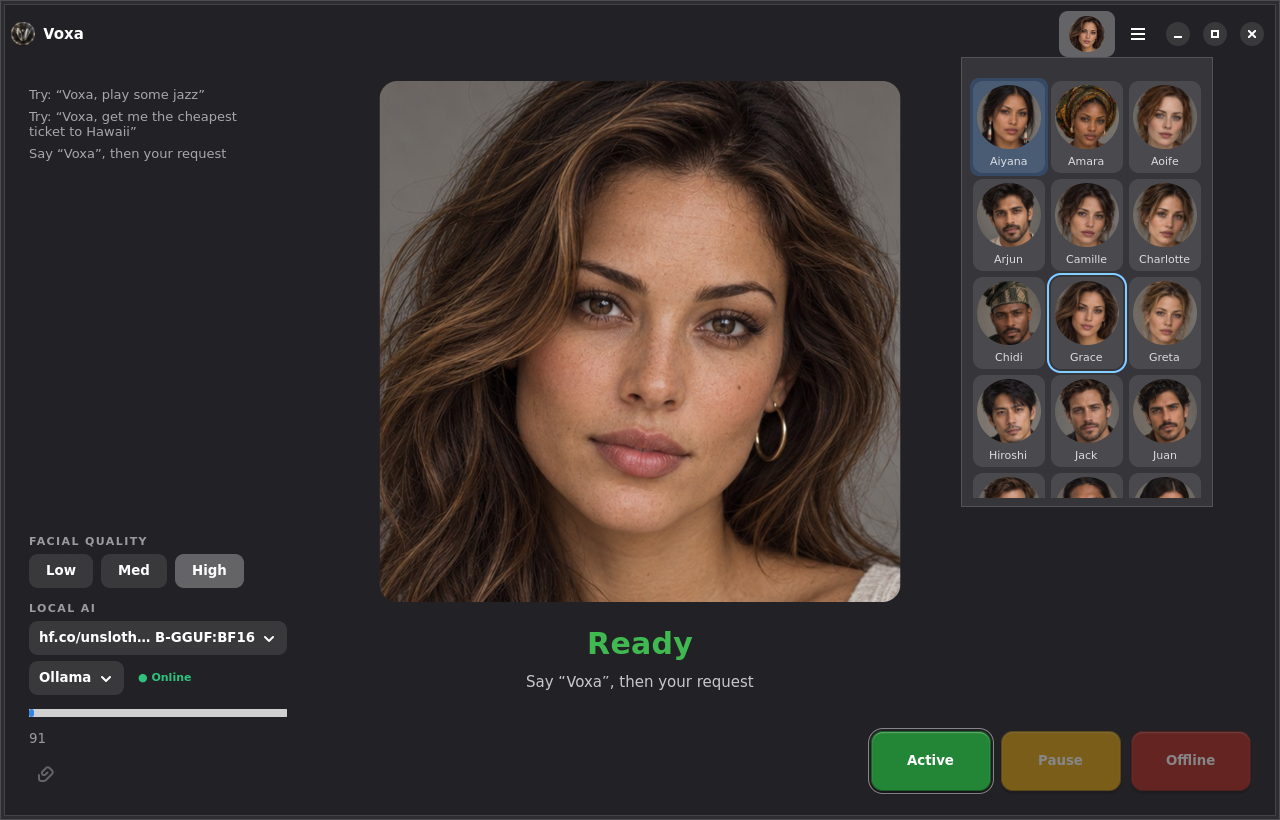
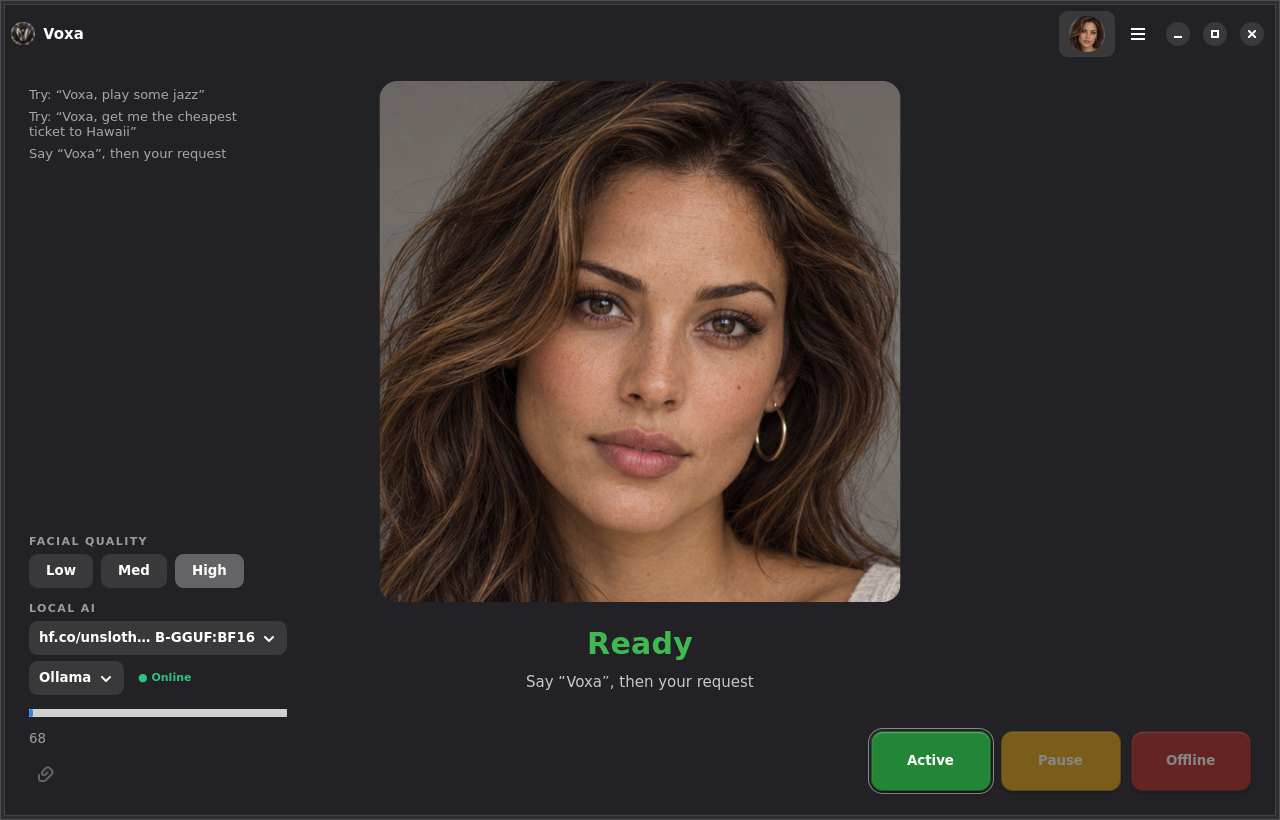
Voice is the primary interface. Say “Voxa” once, ask, then keep talking during the follow-up window without repeating her name. One of 22 photoreal characters answers with synchronized lips.
 voxa
LOCAL-FIRST • VOICE-FIRST • OPEN SOURCE
Voxa is an AI assistant built for Linux: talk naturally, use local models, manage tasks, and grow into real desktop automation without handing your computer to the cloud.
Designed around a simple idea
Voice is the primary interface. Say “Voxa” once, ask, then keep talking during the follow-up window without repeating her name. One of 22 photoreal characters answers with synchronized lips.
Choose local AI through Ollama, llama.cpp or Strata. Keep everyday assistant work close to the machine and under your control.
The screen always tells the truth: Ready, Listening, Thinking, Speaking or Paused, with explicit ACTIVE / PAUSE / OFFLINE control.
Open and close apps, play music and video, browse, set reminders, get directions, or say “get me the cheapest ticket to Hawaii” and see the real search, cheapest first, from where you are.
WHAT YOU CAN SAY
Names are matched by sound, and closing a browser by name closes only the one Voxa opened.
Plays in VLC with no ads; internet radio stations by name or genre.
Types into the window in front, tidies what you wrote, and names and saves the file by voice.
Voxa speaks current stock quotes and exchange rates directly. Other current questions are looked up first, with the source shown.
Opens maps and real searches, cheapest first, from where you are.
System questions are answered instantly from the machine, not guessed by a model.
Reminders are spoken when they fire; notes go to a plain text file in Documents.
Voxa presses real buttons in other programs, and asks you to type passwords yourself.
The full, living list — with a phrase to try for every feature and its current status — is in What Voxa can do.
SHE HEARS YOU, NOT HERSELF
Voxa removes what your own speakers are playing before she listens, so a command still gets through with music or a video on. Say “Voxa, stop” while she is talking and she stops; her own voice never sets her off.
Choose your own wake word, pick from 22 characters, and let Voxa choose a speech model that fits your hardware on first run.
BUILT FOR THE DESKTOP
Voxa is a native Linux application with a dedicated assistant shell, task state, model controls, voice input, and a renderer-independent avatar system.
One window, one face, three clear controls: ACTIVE, PAUSE and OFFLINE. What she is doing is always written on the screen.
LOCAL AI
Use the models that make sense for your machine. Voxa supports local backends today and is being structured so backend choice stays separate from the assistant experience.
WHERE VOXA IS GOING
State, tasks, model selection, ACTIVE/OFFLINE control and the new centered assistant experience.
Structured capabilities, backend abstraction, permission policy, confirmations and safe tools.
Files, applications, communications and Spaced Linux integration through explicit capabilities.
EARLY DEVELOPMENT
Voxa is open source and moving quickly. Follow development, test the current build, report rough edges, or contribute code and ideas.